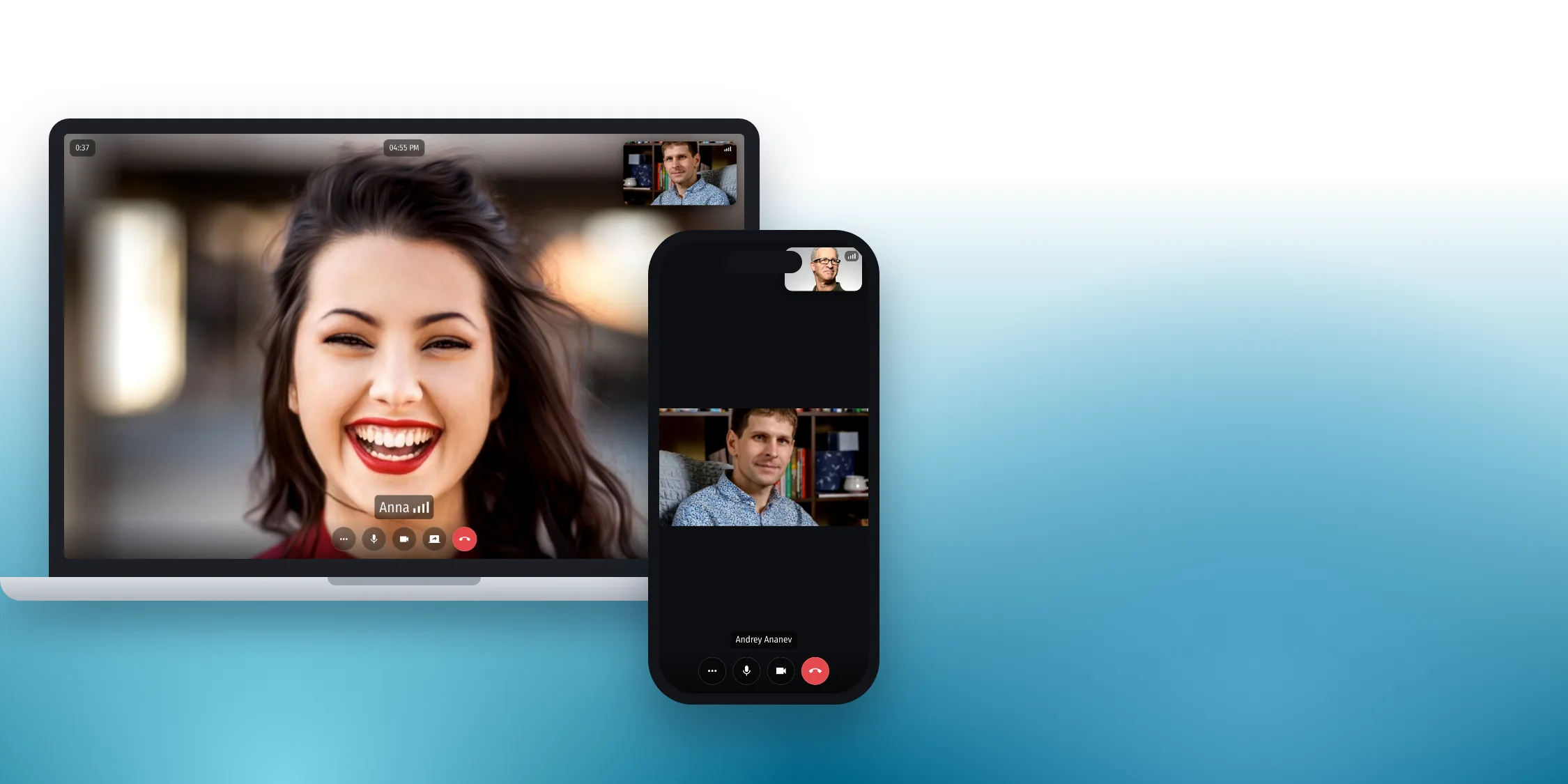
Why call from the app
What a call looks like


How to run a video call

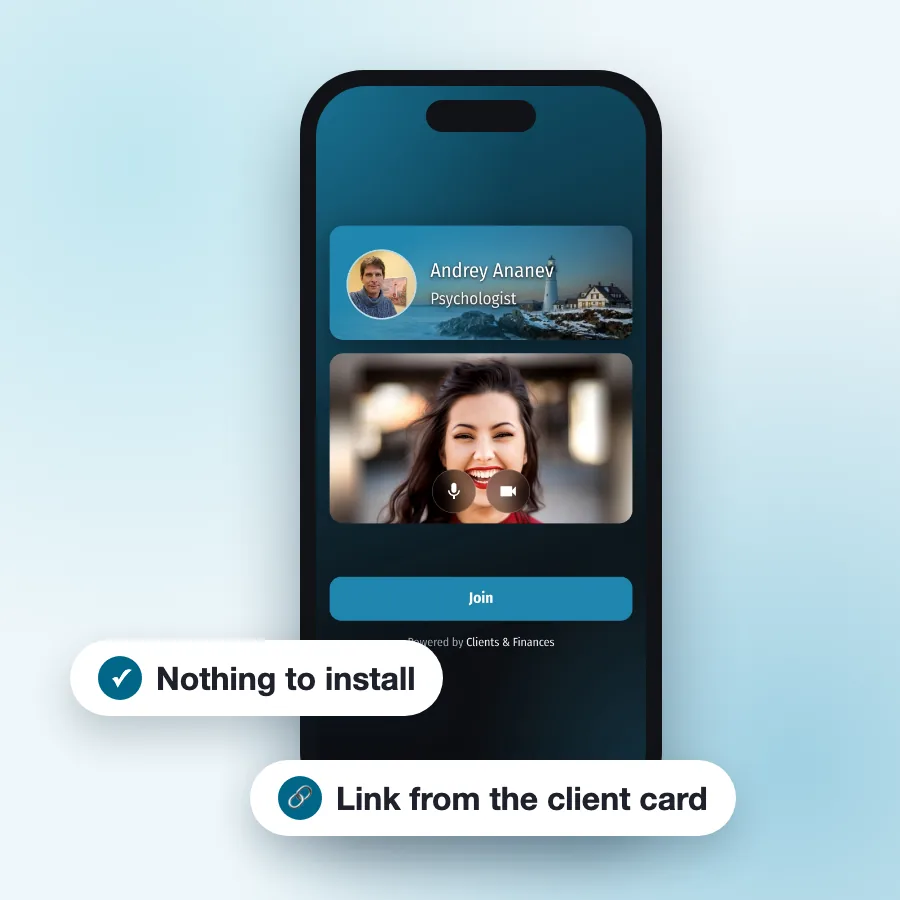
Send the client the link

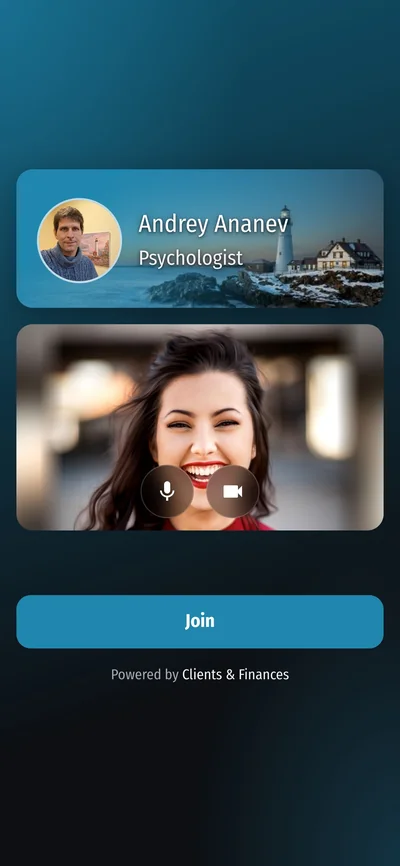
The client opens the link

You join the call
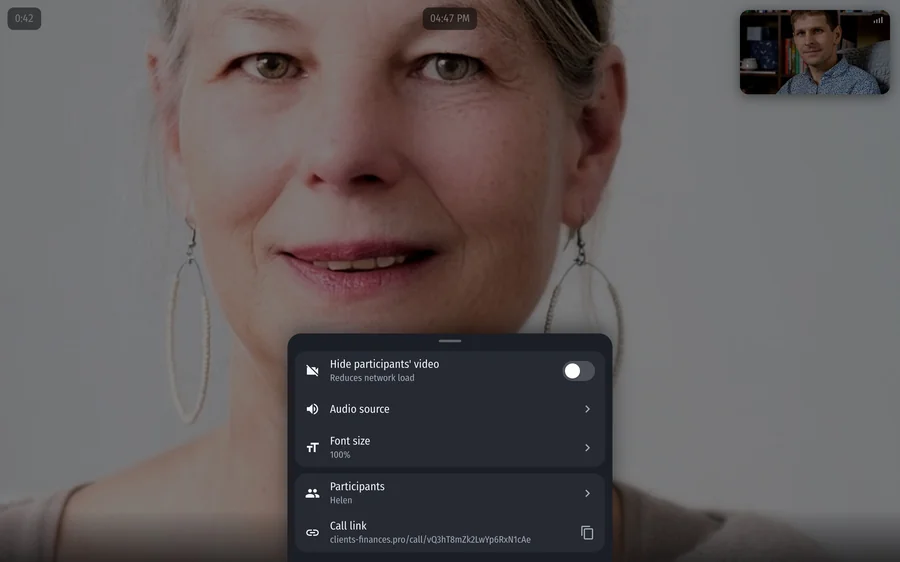
What else the call page can do

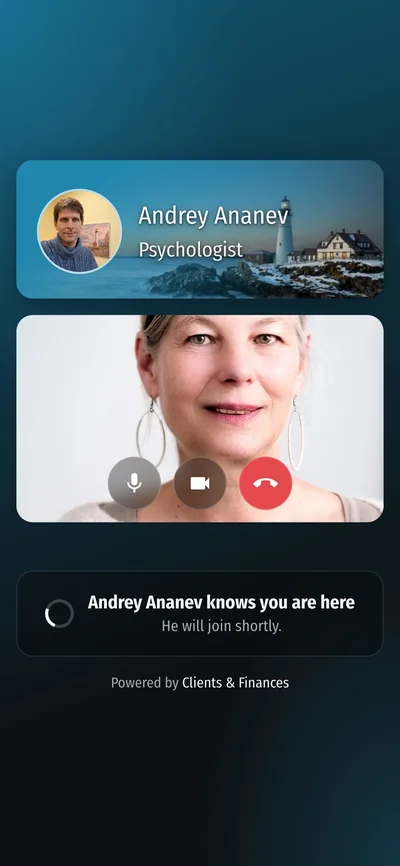
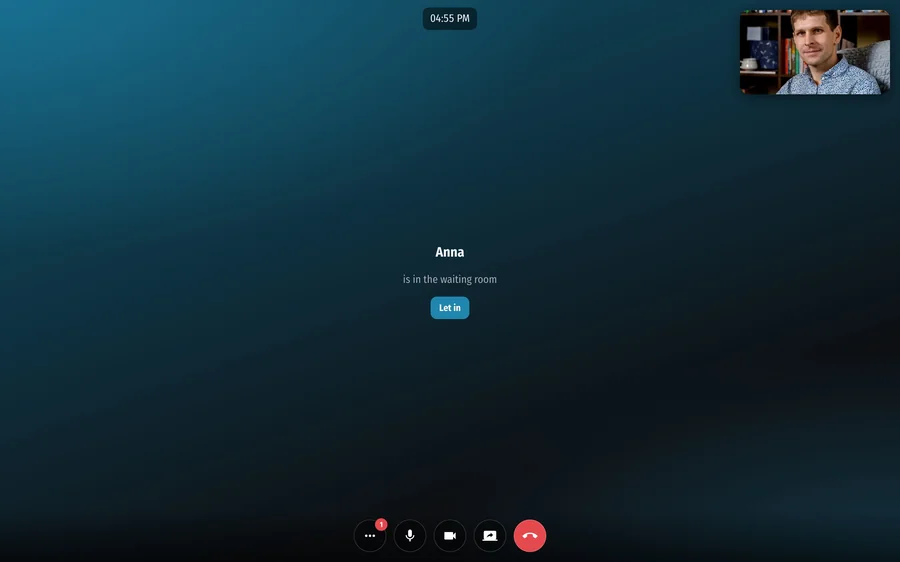
Waiting room

Arrival notice

Timer and schedule

Couples, families and groups

Screen sharing

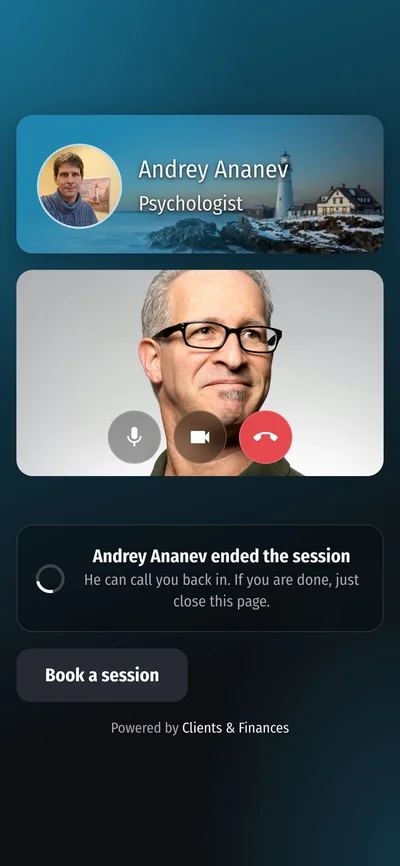
Next session
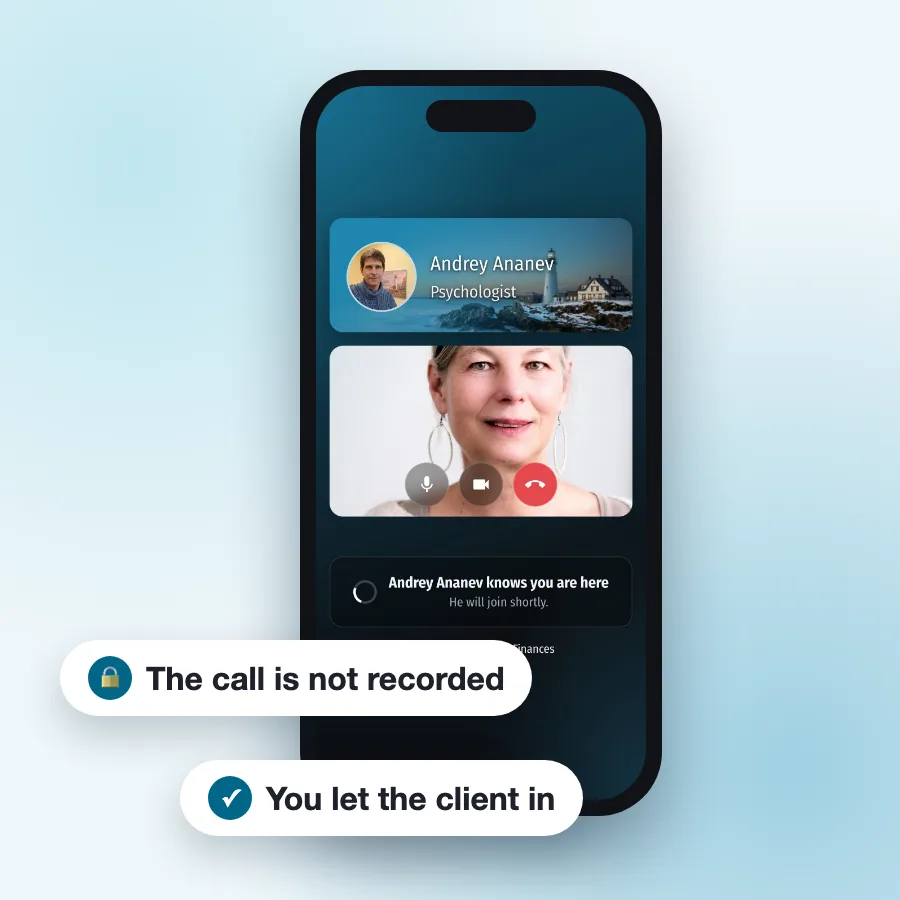
The conversation stays between you
Part of the Pro version

Data synchronization
Online booking

Client reminders

Recurring events

Attached materials

No hidden charges
Questions and answers
-
Does the client need to install anything?
No. The call opens in a browser on a phone or computer. The client does not need to sign up or create a password either.
-
Where do I call from?
From the app: tap “Start video call” in the client card or in a schedule event, and the call opens in the browser on your device.
-
Is the conversation recorded?
No. Video and audio are not stored anywhere, the connection is encrypted and, whenever possible, goes directly between devices.
-
What happens if the client arrives before me?
They wait in the waiting room and see when the session starts, if it is in your schedule. You get a message in the bot, by SMS or by email, depending on your notification settings, with a link that takes you straight into the call.
-
How many people can join a call?
Up to four including you, for example you and a family of three. For a couple, family or group, send the link from the shared card: each participant picks their own name on the page.
-
Can I change the link?
Yes. The “Video call” block in the client card has a “Change link” button. The old link stops working immediately, and you will need to send the new one to the client.
-
How much does it cost?
Video calls are part of the Pro version of the app. See current prices and plans on the “Pay for subscription” page. There is no auto-renewal: you pay manually when you need to.
Try video calls
Google Play

App Store

RuStore